Started 2026 · Active Go · Raspberry Pi · SPI · E-Paper
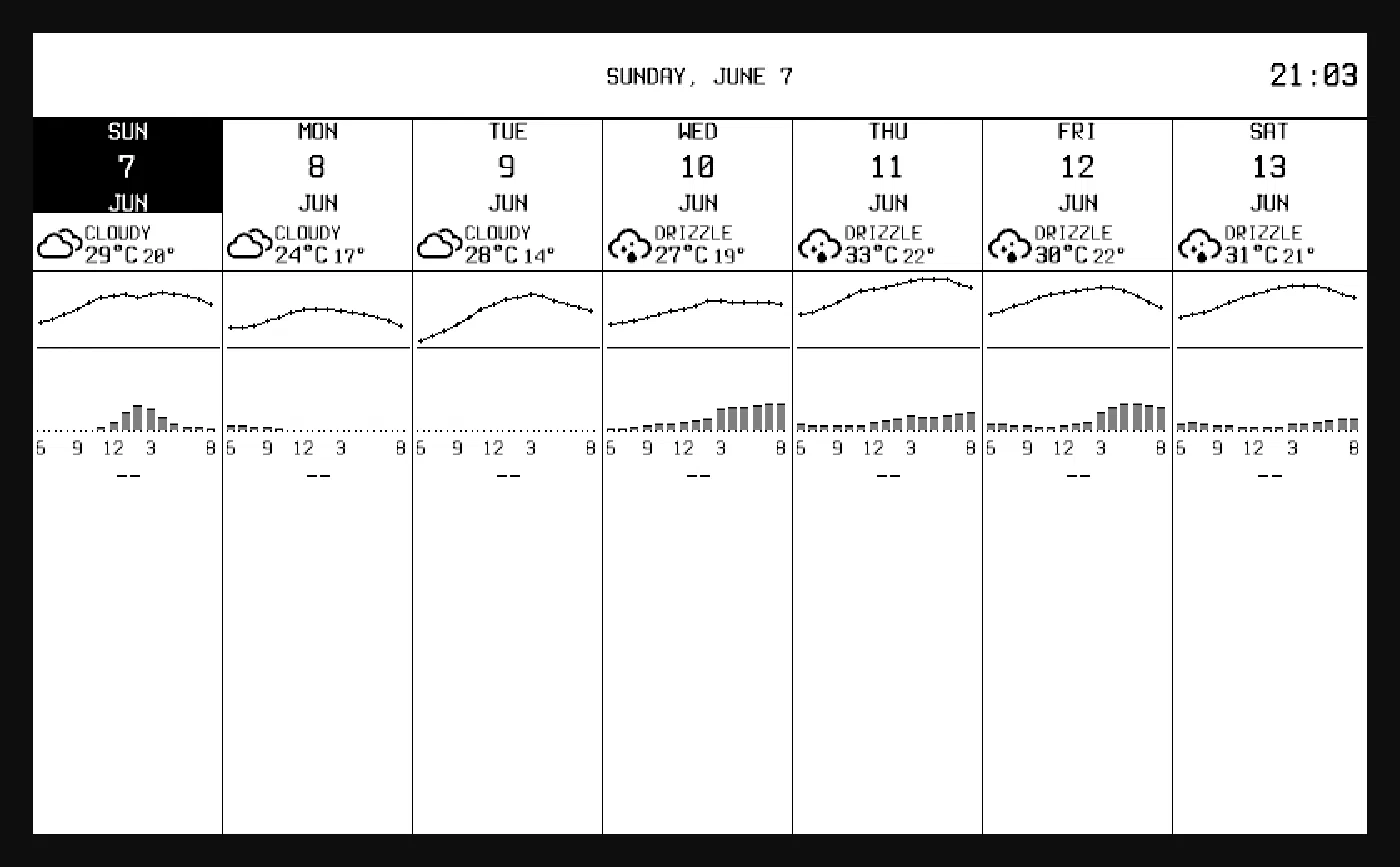
Inkwell drives a Waveshare 7.5" e-paper panel from a Raspberry Pi Zero 2 W. It composes widgets into a frame, packs that frame down to what the display can actually show, and pushes it over SPI. Out of the box it renders a calendar and weather dashboard from iCal feeds and an Open-Meteo ensemble.
The reason it exists is less about e-ink and more about the state of the software around it. The Waveshare sample code is Python, written to demonstrate that the hardware works rather than to be built on, and it isn’t testable in any way I recognized. I wanted a dashboard I could keep changing for years without being afraid of it.
Adding a display is a data problem
The thing I’m happiest with is that the driver has no per-display code in it. Everything particular to a panel is data: how big it is, what colours it can manage, and the sequences it expects over the wire. Supporting a new panel means describing it and registering it, and the driver doesn’t change.
That was a goal from the first design document rather than something I noticed afterwards, and it survived contact with a second colour mode, which is usually where this kind of abstraction falls over.
Testing a thing you can’t plug in
The panel is one of four places Inkwell can draw. It can drive the real hardware through periph.io, write PNGs, record what it would have sent, or serve a live browser preview, and the dashboard code doesn’t know which one it got.
The preview is the one worth explaining. It doesn’t re-render the frame through a parallel drawing path, which would let it drift from the device. It captures the bytes going out over the wire and reconstructs the image from those, so the browser shows what the panel would receive. It defaults to that device view rather than the smooth source canvas, because the smooth version is a design aid and a liar.
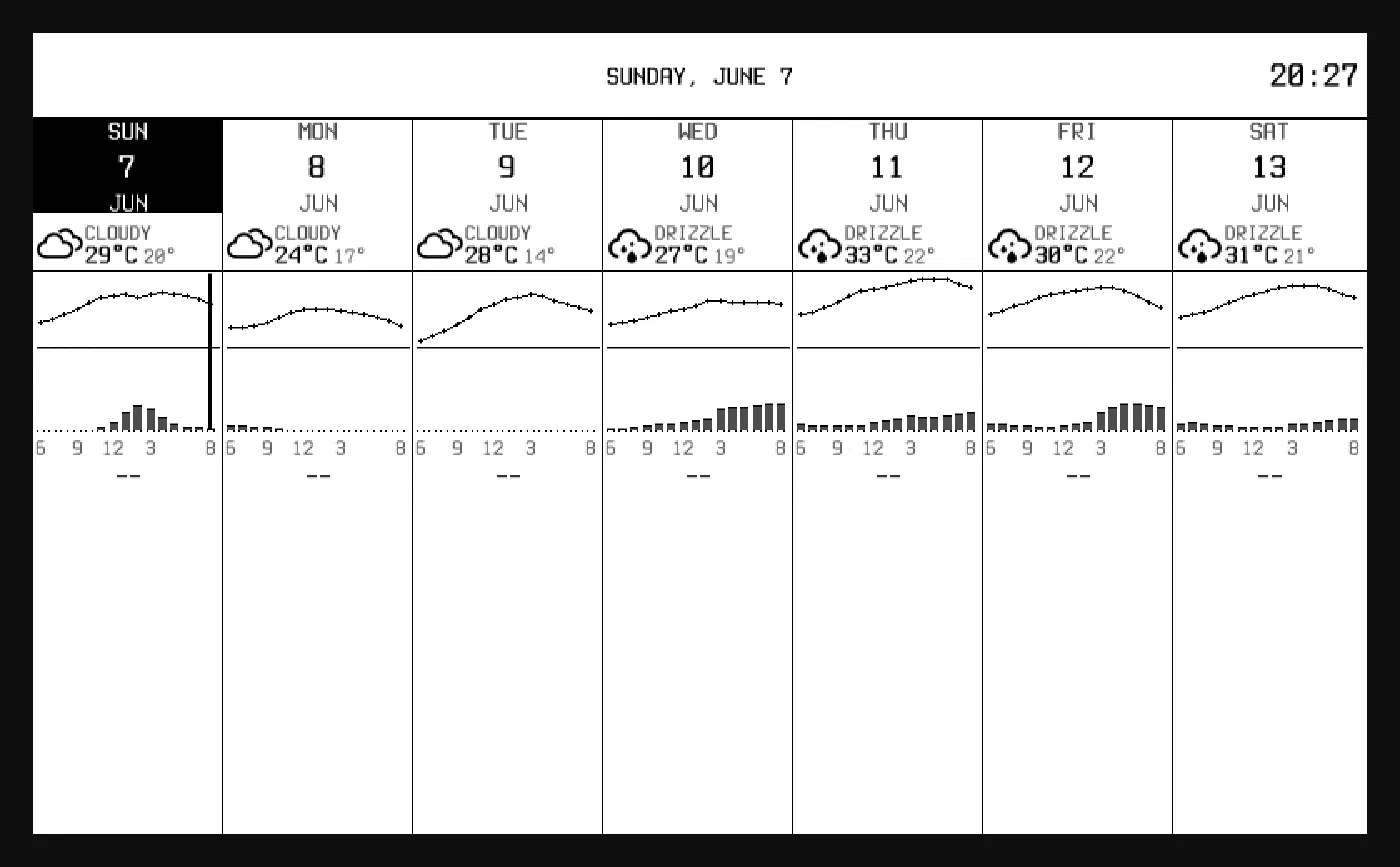
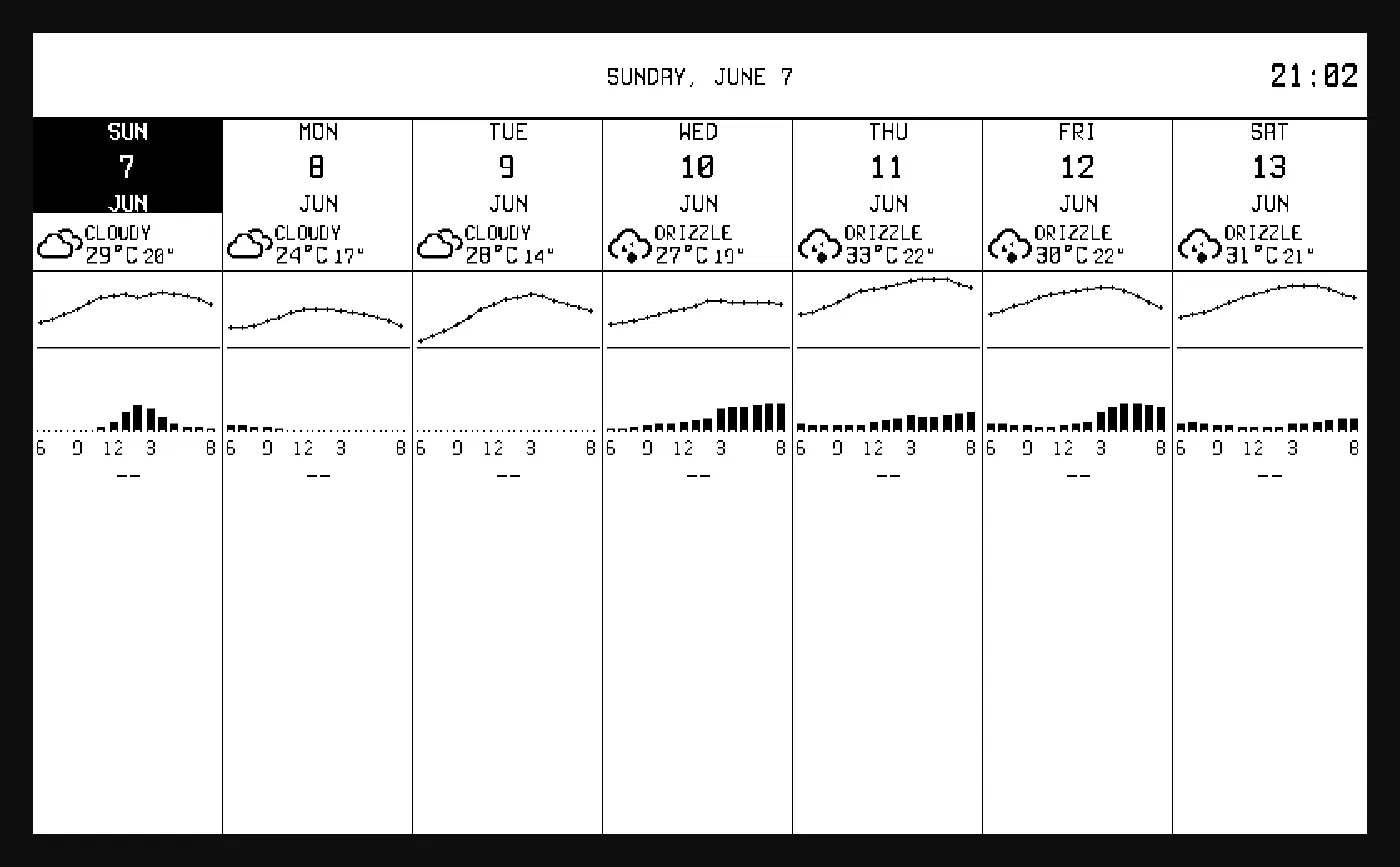
None of that needs the panel plugged in, so I can change the rendering on a laptop and see what it would look like on the wall. The alternative is carrying a Raspberry Pi around to find out whether a refactor worked.
Refreshing without driving yourself mad
E-paper refresh is its own subsystem, and it took me longer to get right than the rendering did. Two separate questions: which waveform to use (skip, fast, full, or 4-gray), and when a change is allowed to push at all.
A full refresh flashes the whole panel to clear ghosting. It has to happen periodically, and it’s ugly, so it’s on an hourly cadence that is deliberately not user-configurable. It’s a property of the panel, not something a widget author should be reasoning about.
Per-widget refresh intervals are mandatory, with no default, so a config that forgets one fails to load rather than guessing on my behalf. They’re aligned to the wall clock, so two widgets on a five minute interval both land on :00, :05, :10 and coalesce into one panel update rather than flashing independently. The version of this I tried first let each widget refresh on its own schedule from whenever it started, and the panel never sat still.
There’s also a negative result recorded in the repo. I built a flicker-free version that refreshed only what changed, used it on real hardware, and found it left the changed area inverted. So it’s abandoned, with a note next to it, because writing that down is cheaper than rediscovering it in a year.
Getting it onto the desk
The panel lives on my desk, in a stand I 3D printed for it.
Releases are automated from conventional commits through to multi-arch tarballs,
with the version demoted one level so a feat: doesn’t accidentally cut a 1.0
before I’m ready for one. On the Pi itself:
A failed update leaves the running binary alone, so a bad release doesn’t take the dashboard off the wall.
Almost everything Inkwell needs is written out rather than pulled in. That wasn’t a purity exercise, it’s that each piece is small and specific enough that bending a general library would have been more work than writing it. Ask me again when someone sends me a calendar with a timezone I haven’t thought about.